
Remote Depositions: Best Practices for a Smooth Virtual Session

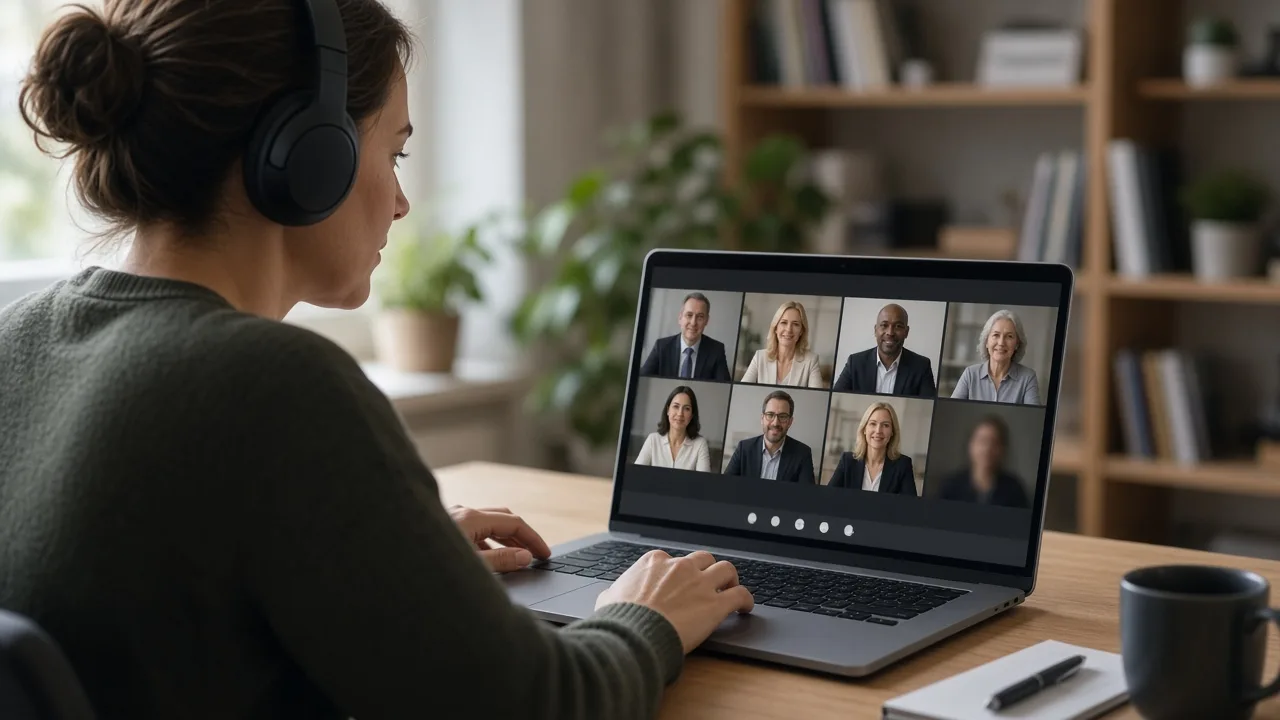
Remote depositions became common during recent years and remain a practical option for many cases. They can save travel time and expense, make scheduling easier and allow participants in different cities to join the same session. They also introduce technical and procedural issues that deserve planning. With good preparation, a virtual deposition can run nearly as smoothly as one conducted in person.
Confirm the Rules and Agreements
Start by checking the applicable court rules and any agreements between the parties about remote testimony. Many jurisdictions permit depositions by remote means, sometimes with stipulation or court approval. The court reporter must be able to administer the oath, and requirements for how this is done can differ depending on where the reporter and witness are located. Confirm these details in advance.
Choose Reliable Technology
- Use a secure platform that supports video, audio, screen sharing and breakout rooms.
- Test the system with all participants a day or two before the deposition.
- Have backup options, such as a dial-in number, in case the internet connection fails.
- Ensure that the reporter can hear each speaker clearly and is able to see the witness.
Prepare the Witness Setup
- Choose a quiet, private room with good lighting and a plain background.
- Place the camera at eye level and use a wired internet connection if possible.
- Use a headset or external microphone to improve audio quality.
- Silence phones, close other applications and disable notifications.
- Clear the table of notes or materials not permitted during testimony.
Agree in advance on how the witness will confirm that no one else is in the room, and whether a second camera or a room scan will be used.
Handle Exhibits Efficiently
Share exhibits electronically before the session or through the platform's screen share or document function. Number the exhibits clearly, and send copies to the reporter and the witness in the agreed format. Test how the witness can scroll or zoom on large documents. Many firms use a dedicated exhibit sharing tool to keep the record organized.
Keep the Record Clear
- Speak one at a time and pause slightly before answering to avoid audio overlap.
- State your name before speaking if there are many participants.
- Tell the reporter if the audio drops so that testimony can be repeated.
- Note on the record any interruptions or technical problems and the time of any breaks.
Interpreters and Videographers
If an interpreter is needed, arrange for audio channels that allow the interpreter to be heard clearly without disrupting the record. If the deposition will be video-recorded, coordinate with the videographer on what will appear on screen and how the recording will be stored.
Security and Privacy
Use unique meeting links and passwords, and control who is admitted. Remind everyone not to record or share the session unless it is permitted. Confidential exhibits should be transmitted through secure channels.
With a short pre-deposition checklist and a calm approach to technical hiccups, a remote session can produce a clear, reliable record. Rules vary, so ask your attorney or court reporting provider about requirements that apply to your case.

Comments are closed.